Why it mattersOne source of truth.
Apple Health is where your iPhone, your Apple Watch and your other apps keep their data. Building on it means Steply works from the moment you allow access, with your full history, and that nothing you do in Steply is trapped inside Steply.
It also means your health data stays where Apple protects it: on your device, behind your passcode, Face ID or Touch ID.
Your history on day one
Up to five years of past activity, adjustable in Settings › Data History.
Nothing locked in
Workouts, routes and water you record are saved to Apple Health.
Private
Read on your device. Never uploaded.
Apple Health data Steply readsWhat Steply reads, and why.
Steply only uses the data that powers a feature you can see.
Steps
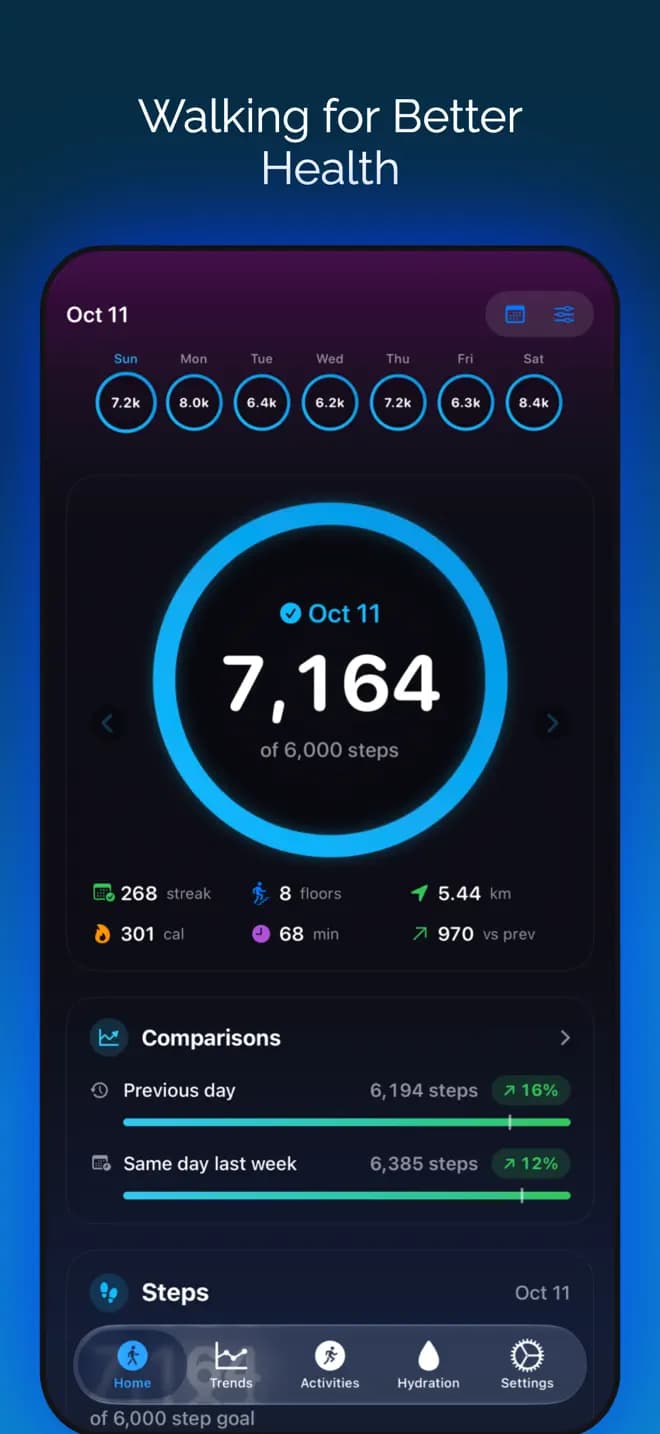
Your live count, goal ring, streaks, achievements, analytics and widgets.
Distance, active energy, exercise minutes, floors
The stats under your ring and across Trends.
Workouts and routes
Your workout history, route maps and Route Replay.
Heart rate
Workout heart rate, and walking heart rate against your 30-day baseline.
Weight, height, age and sex
Your weight trend, the automatic water goal, stride estimates and age-adjusted ranking.
Water
Your daily water total, including water logged by other apps.
Apple Health data Steply savesWhat Steply saves.
When you create something in Steply, it goes to Apple Health, where every other app can use it too.
Workouts & GPS routes
Walks, runs, hikes and rides recorded on iPhone or Apple Watch, with their routes.
Water
Every drink you log in the app, a widget, a notification or on Apple Watch.
Weight & height
When you update them in Settings › Your Measurements.
Why step counts are read-onlyWhy Steply never writes steps.
Your iPhone and Apple Watch already record every step in Apple Health. Steply reads those numbers rather than adding its own, so your step total is never counted twice. Steps taken during a recorded workout are kept with that workout.
Where your health data is storedPrivate by design.
Everything Steply reads is processed on your device. Your health data and routes are never uploaded to Steply or anyone else. Only app settings, like your goal and units, sync between your own devices through your iCloud account.
You're in control: change what Steply can access any time in the Health app under Sharing › Apps › Steply. If step access is off, Steply shows “Not seeing your steps?” with a shortcut to fix it.
Questions about apple health integration
Are Apple Health steps accurate?
For everyday walking, iPhone and Apple Watch step counts are generally accurate. They can undercount when your phone sits in a bag or on a desk, or at very slow speeds, and can occasionally count arm movement. Steply shows exactly what Apple Health records.
Why are my iPhone and Apple Watch steps different?
Each device only counts steps while it's with you. Apple Health combines them and avoids double counting by preferring one source at a time (you can change the order in the Health app under Data Sources & Access), so the total in Health and Steply can differ from either device on its own.
Why aren't my steps updating in Steply?
Steply shows new steps as soon as Apple Health receives them. If your count looks stuck, make sure Steply has permission to read Steps (Health app › Sharing › Apps › Steply), carry your iPhone or wear your Apple Watch, and pull down on the Home screen to refresh.
Does Steply add steps to Apple Health?
No. Steply only reads steps, so your total is never counted twice. Recorded walks, runs, hikes and rides are saved as workouts with their routes.
What does Steply save to Apple Health?
Workouts and GPS routes you record, water you log, and the weight and height you enter in Settings › Your Measurements.
Why does Steply show zero steps?
Usually because step access is turned off. Open the Health app, go to Sharing › Apps › Steply and allow Steps, or tap Open Health on the Home screen prompt.
Is my Apple Health data uploaded?
No. Steply reads and processes it on your device. Only app settings sync between your own devices through iCloud.
How much history does Steply use?
Five years by default, which you can change in Settings › Data History.
Works well with.
Step Counter & Goals
Live step count, a daily goal that fits you, streaks, 39 achievements and timely nudges.
Learn more ›Water Tracking
An automatic water goal that adapts to your walking, reminders you can log from, and one-tap logging on widgets and Apple Watch.
Learn more ›GPS Workouts
Record walks, runs, hikes and rides with a carefully filtered GPS route, saved to Apple Health.
Learn more ›