Siri & ShortcutsJust say “Start a walk.”
Steply works with Siri and the Shortcuts app, so you can start, pause, resume and finish a walk, run, hike or bike ride with your voice, a tap or an automation, without opening the app. Your workout then appears live on your Lock Screen and in the Dynamic Island.
Why it mattersThe best time to start tracking is right now.
The moment you step out the door is the worst time to dig through apps. Your hands are full, your gloves are on, the dog is pulling. With Siri, recording starts with a sentence, and you never miss the first minutes of a walk.
Steply's actions run without opening the app, so your phone can stay in your pocket.
Hands-free
Start and stop with your voice, mid-stride.
One press
Put a workout on the Action button or the Home Screen.
Automatic
Start a walk from an automation, like arriving at the park.
Siri phrases for starting a workoutThings you can say.
Steply's phrases work out of the box, with no setup. Each one includes the app's name, Steply.
| To | Say |
|---|---|
| Start or resume a walk | “Start a walk in Steply”, “Begin a walk in Steply”, “Resume my walk in Steply” |
| Start or resume a run | “Start a run in Steply”, “Start running with Steply”, “Resume my run in Steply” |
| Start or resume a hike | “Start a hike in Steply”, “Start hiking with Steply”, “Resume my hike in Steply” |
| Start or resume a ride | “Start a bike ride in Steply”, “Start cycling with Steply”, “Resume my bike ride in Steply” |
| Pause | “Pause my workout in Steply”, “Pause Steply” |
| Resume | “Resume my workout in Steply”, “Continue workout in Steply” |
| Finish and save | “End my workout in Steply”, “Finish workout in Steply”, “Save workout in Steply” |
Shortcuts actions, automations and the Action buttonShortcuts, automations and the Action button.
Steply's four actions (Start Activity, Pause Activity, Resume Activity and Stop Activity) are available in the Shortcuts app. Start Activity lets you choose Walk, Run, Hike or Cycle, and resumes a paused workout instead of starting a second one.
Build them into your own shortcuts, run them from an automation, or assign one to the Action button on iPhone models that have it. Steply's Siri & Shortcuts settings explain each option.
Live Activity for a Siri-started workoutLive on your Lock Screen.
Once a workout starts, a Live Activity keeps it on your Lock Screen and in the Dynamic Island: the activity, timer, distance, pace and calories, or the current phase and countdown during a guided Japanese walk.
One-tap water loggingLog water from your widgets.
Hydration has quick actions too. On iOS 17 and later, the Hydration widget logs a drink in one tap, and on Apple Watch two complications log water straight from your watch face.
Questions about siri & shortcuts
Can I start a walk with Siri?
Yes. Say “Start a walk in Steply” and recording begins without opening the app. The same works for runs, hikes and bike rides.
Can I stop and save a workout with Siri?
Yes. Say “Finish workout in Steply” or “Save workout in Steply”, and the workout is saved.
Can I put Steply on the Action button?
Yes, on iPhone models with an Action button. In Settings › Action Button, choose Shortcut, then pick a Steply action such as Start Activity.
Do I need to set anything up?
No. Steply's Siri phrases work as soon as the app is installed. Use the Shortcuts app only if you want custom shortcuts or automations.
Works well with.
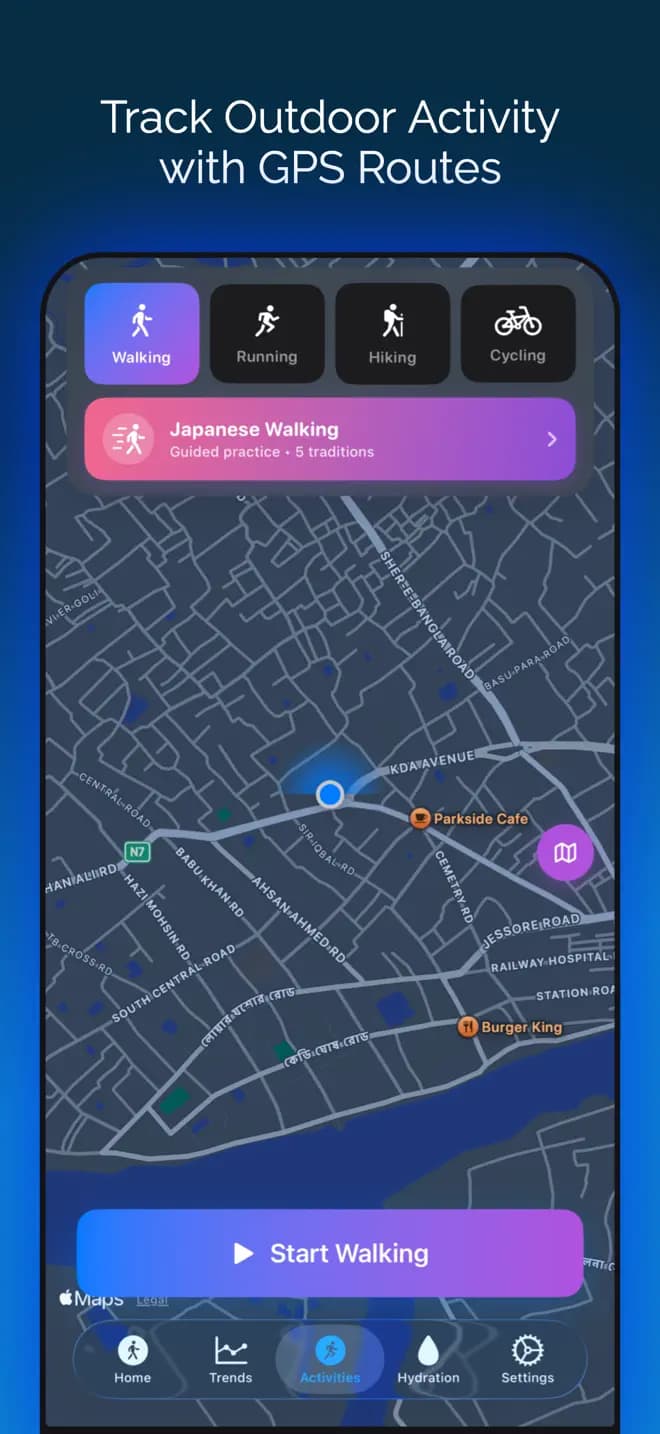
GPS Workouts
Record walks, runs, hikes and rides with a carefully filtered GPS route, saved to Apple Health.
Learn more ›Widgets & Live Activities
Ten Home and Lock Screen widgets, one-tap water logging and a Live Activity for every workout.
Learn more ›Japanese Walking
Five guided programs, from Interval Walking to Forest Bathing, with haptic rhythm and live cues.
Learn more ›